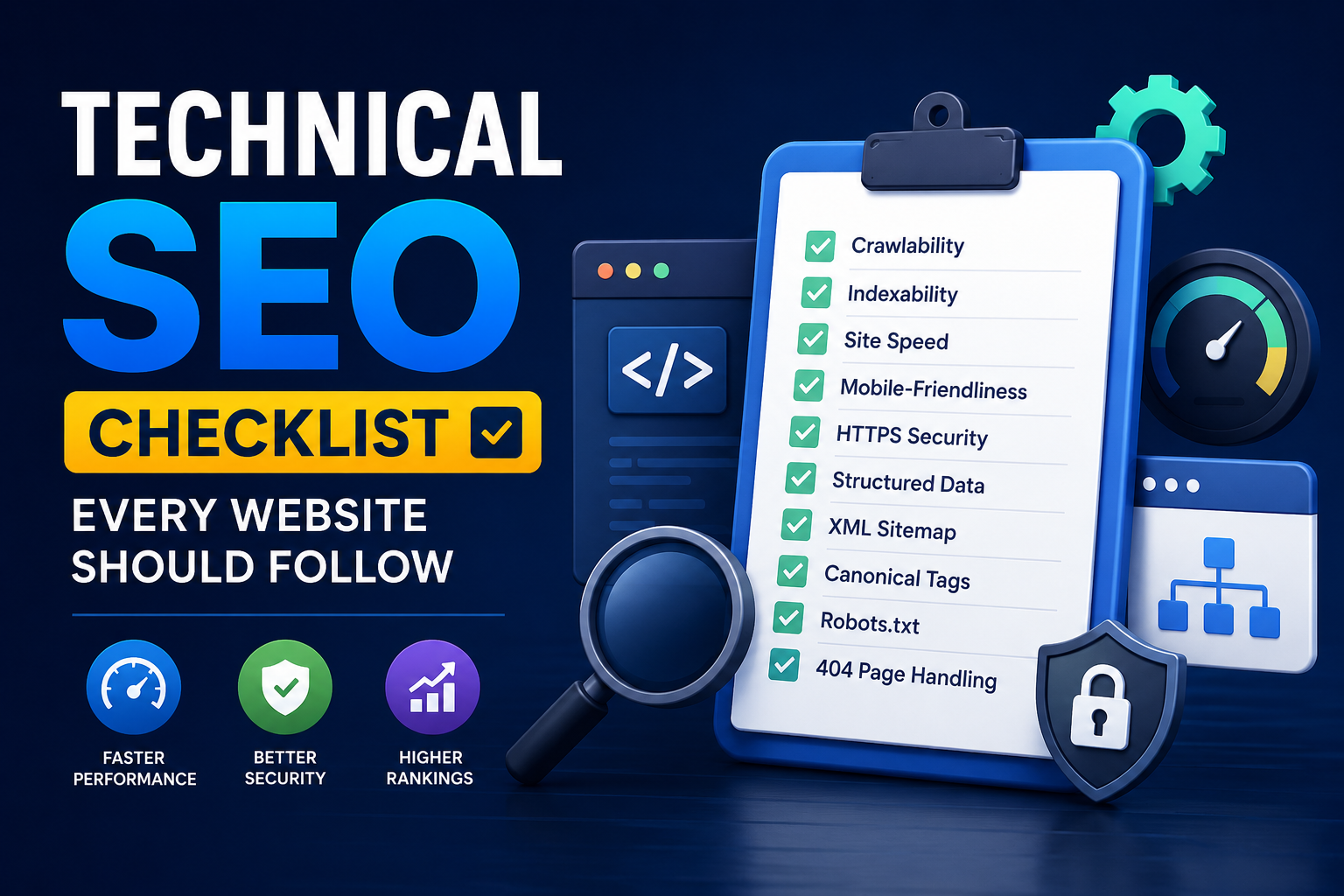
Technical SEO Checklist Every Website Should Follow

Introduction

Technical SEO forms the foundation of every successful website. Even the best content won’t perform well if search engines can’t properly crawl, index, or understand your website.

Here’s a practical checklist to keep your website technically optimized.

1. Improve Website Speed

Compress images, enable caching, and optimize code to reduce loading times.

2. Ensure Mobile Responsiveness

Google primarily indexes the mobile version of websites, making responsive design essential.

3. Fix Crawl Errors

Regularly monitor Google Search Console to identify:

  • Broken Links
  • Crawl Errors
  • Indexing Issues

4. Secure Your Website

Always use HTTPS encryption to improve security and user trust.

5. Optimize URL Structure

Keep URLs:

  • Short
  • Descriptive
  • Keyword-friendly

Example:

/technical-seo-services

6. Add XML Sitemap

An XML sitemap helps search engines discover and index important pages more efficiently.

7. Configure Robots.txt Correctly

Prevent unnecessary pages from being crawled while allowing important content to remain accessible.

8. Use Structured Data

Schema markup helps search engines better understand your content and may improve search appearance.

9. Fix Duplicate Content

Use canonical tags to prevent duplicate indexing issues.

10. Monitor Core Web Vitals

Optimize:

  • Largest Contentful Paint (LCP)
  • Interaction to Next Paint (INP)
  • Cumulative Layout Shift (CLS)

Conclusion

Technical SEO is an ongoing process that supports stronger search performance and better user experience. Regular technical audits help maintain website health, improve crawlability, and create a solid foundation for long-term SEO success.

Technical SEO Checklist Every Website Should Follow

Introduction

Technical SEO forms the foundation of every successful website. Even the best content won’t perform well if search engines can’t properly crawl, index, or understand your website.

Here’s a practical checklist to keep your website technically optimized.

1. Improve Website Speed

Compress images, enable caching, and optimize code to reduce loading times.

2. Ensure Mobile Responsiveness

Google primarily indexes the mobile version of websites, making responsive design essential.

3. Fix Crawl Errors

Regularly monitor Google Search Console to identify:

  • Broken Links
  • Crawl Errors
  • Indexing Issues

4. Secure Your Website

Always use HTTPS encryption to improve security and user trust.

5. Optimize URL Structure

Keep URLs:

  • Short
  • Descriptive
  • Keyword-friendly

Example:

/technical-seo-services

6. Add XML Sitemap

An XML sitemap helps search engines discover and index important pages more efficiently.

7. Configure Robots.txt Correctly

Prevent unnecessary pages from being crawled while allowing important content to remain accessible.

8. Use Structured Data

Schema markup helps search engines better understand your content and may improve search appearance.

9. Fix Duplicate Content

Use canonical tags to prevent duplicate indexing issues.

10. Monitor Core Web Vitals

Optimize:

  • Largest Contentful Paint (LCP)
  • Interaction to Next Paint (INP)
  • Cumulative Layout Shift (CLS)

Conclusion

Technical SEO is an ongoing process that supports stronger search performance and better user experience. Regular technical audits help maintain website health, improve crawlability, and create a solid foundation for long-term SEO success.

Share this project

Leave a Reply

Your email address will not be published. Required fields are marked *

Share this project

Leave a Reply

Your email address will not be published. Required fields are marked *